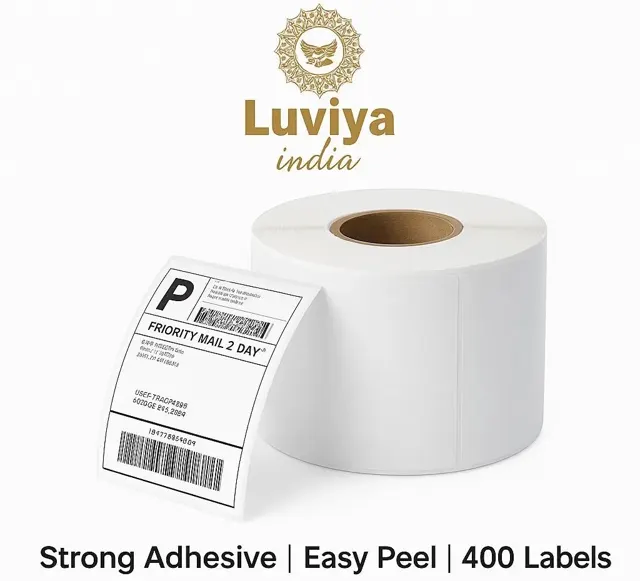

If you ship orders from Flipkart, Meesho, Amazon, your own website or a courier aggregator, 4x6 inch thermal labels are the fastest way to label parcels: no ink, no cutting A4 sheets, just print and stick. We use the same rolls to ship our own orders every day.
What “4x6 direct thermal” means
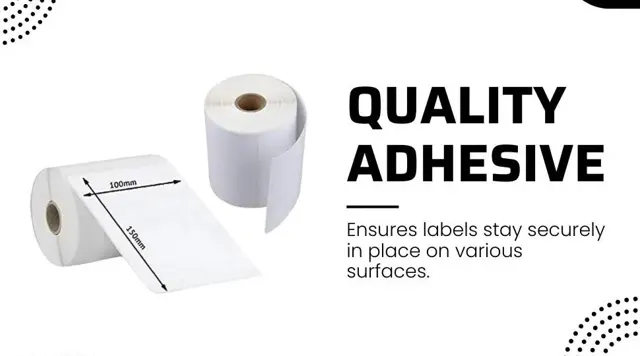
- 4x6 inch (about 100 × 150 mm) is the standard size for courier and marketplace shipping labels.
- Direct thermal paper turns black where the printer heats it. There is no ink, toner or ribbon to buy.
- The other kind, thermal transfer, needs a ribbon. Direct thermal labels are simpler and cheaper to run for shipping, where a label only needs to last until delivery.
Which printers do they fit?
They work with 4-inch desktop thermal label printers that support direct thermal printing, the kind most online sellers use. Our rolls have a 1-inch (25 mm) core, the hole in the middle of the roll. Check that your printer’s roll holder takes 1-inch core rolls. If you have a different printer or aren’t sure, message us your printer model on WhatsApp and we’ll check it before you order.
Printing marketplace and courier labels at 4x6
- In your seller panel or courier app, choose the 4x6 inch / thermal label format (instead of A4) where it is offered.
- In the printer settings on your computer, set the paper size to 4 × 6 in (100 × 150 mm) and the media type to direct thermal.
- Print one test label first. If it prints too light, raise the darkness or heat setting a little; if it smudges or looks blotchy, lower it.
- If the printer feeds blank labels or prints across two labels, run its label calibration once after loading a new roll.
Storing rolls so labels stay readable
- Keep rolls in a cool, dry place, away from direct sun, heat and moisture. Heat can darken unprinted labels and fade printed ones.
- Don’t leave printed labels in the sun for days before shipping.
- Direct thermal labels are meant for shipping, not for years of outdoor use.
How many labels do you need?
One label per parcel. A roll of 400 covers 400 shipments, so a seller sending 20 parcels a day uses about one roll every three weeks. Need several rolls? Add as many as you like to the cart, or message us on WhatsApp for bulk orders.
Questions people ask
Do 4x6 thermal labels need ink or a ribbon?
No. Direct thermal labels print with the printer’s heat. No ink, toner or ribbon is needed.
Can I print Flipkart and Meesho labels on 4x6 thermal labels?
Yes, if you choose the 4x6 inch / thermal label format in your seller panel or courier app. We print our own Flipkart and Meesho shipping labels on these rolls.
Will these labels fit my printer?
They fit 4-inch desktop direct thermal label printers that take rolls with a 1-inch core. Not sure? Send us your printer model on WhatsApp and we’ll confirm.
Why are my thermal labels printing too light?
Increase the darkness or heat setting a little in the printer settings, check the media type is set to direct thermal, and make sure the roll is loaded the right way round.